Claude Code Subagents Tutorial (With a Working Example)
A Claude Code subagents tutorial: what subagents are, the built-in ones, where agent files live, the frontmatter, a working example and when to use them.
Josh Pocock5 min read

AI Coding
Claude Code subagents
Stride AI Academy
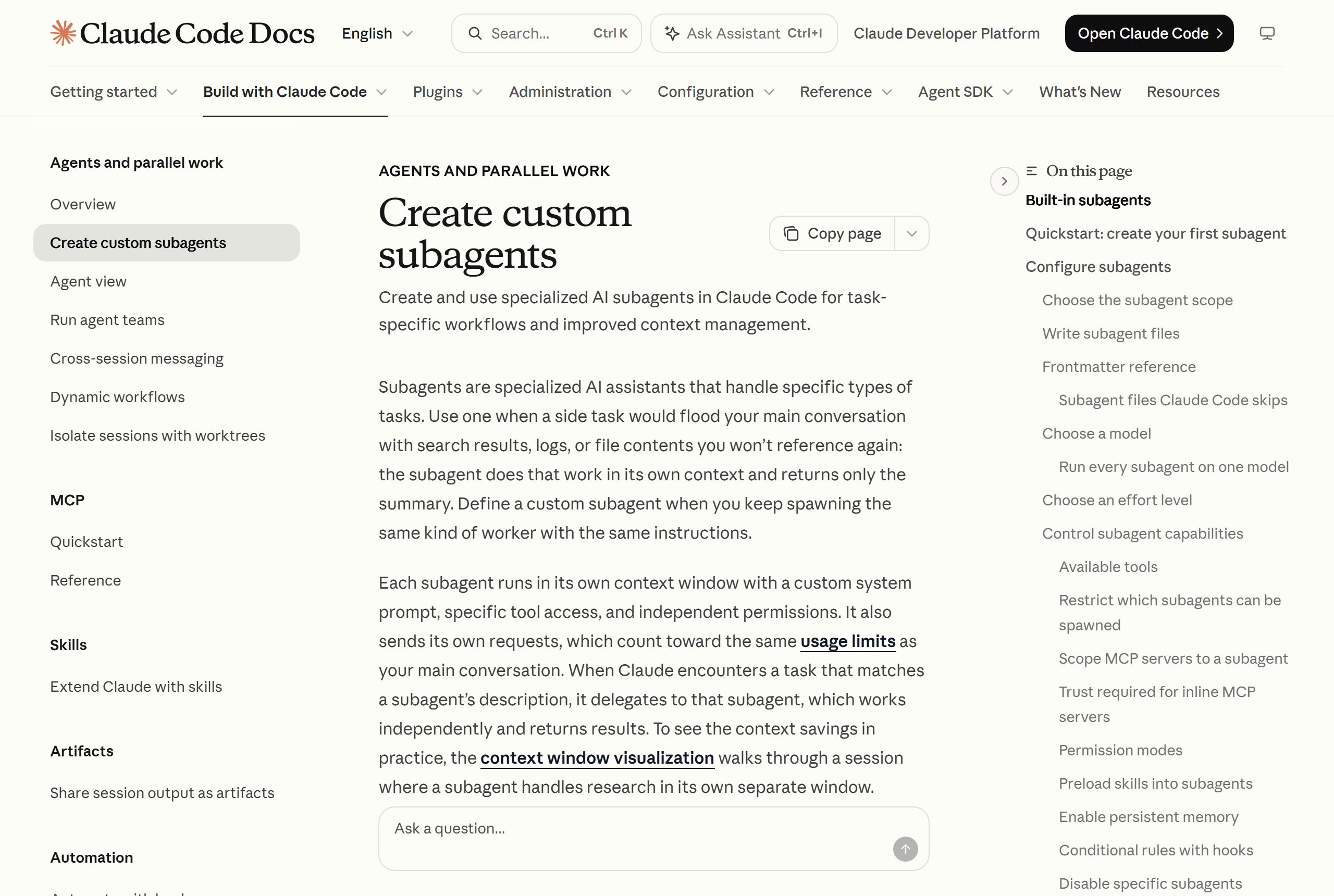
A Claude Code subagent is a specialist that works in its own context window and hands back only a summary. Create one as a markdown file in .claude/agents/ with a name, a description and instructions, and Claude delegates matching tasks to it, or you call it by name.
This tutorial covers the built-in subagents, where agent files live, the frontmatter fields, a working example for agency work and when subagents help. Checked against Claude Code's subagents docs, October 2026.
What subagents are for
Every Claude Code session has one context window. Searching a large codebase, reading long logs or reviewing many files fills it with material you won't look at again.
A subagent does that side work in its own context window, with its own instructions, tool access and permissions. When it finishes, only its final summary returns to your main conversation. The docs put it plainly: a subagent doesn't see your conversation history, the skills you've invoked or the files Claude has already read.
What happens when Claude delegates
- 1You ask for something
- 2Claude matches a subagentUsing each subagent's description
- 3The subagent worksIts own context, tools and prompt
- 4A summary comes backThe details stay in the subagent's context
One cost to know: subagent requests count toward the same usage limits as your main conversation.
The built-in subagents
Claude Code ships with several. The ones you'll notice most:
- Explore: a fast, read-only agent for searching and analysing a codebase. It can't write or edit files.
- Plan: a read-only research agent used in plan mode to gather context before Claude presents a plan.
- General-purpose: for complex, multi-step tasks that need both exploration and action, with every tool available to subagents.
You don't need to set these up. Claude uses them when they fit.
Where custom subagent files live
| Location | Scope |
|---|---|
.claude/agents/ |
The current project. Commit it to share with your team |
~/.claude/agents/ |
All your projects on this machine |
A plugin's agents/ folder |
Wherever the plugin is enabled |
Organisation-managed agents and agents passed with the --agents flag take priority over both. When two subagents share a name, the higher-priority location wins.
The file format
A subagent is a markdown file with YAML frontmatter. The body becomes its system prompt. Only name and description are required. Useful optional fields:
| Field | What it does |
|---|---|
tools |
Which tools it may use. Leave it out to inherit all available tools |
disallowedTools |
Tools it may not use |
model |
sonnet, opus, haiku, a full model ID, or inherit |
permissionMode |
How it handles permission prompts |
skills |
Skills to preload |
mcpServers |
MCP servers it can use |
Multi-word field names are camelCase, and unrecognised fields are ignored without an error, so check spelling.
A working example: a client handover checker
Before handing a client project over, you want someone to check the repo for missing setup notes, hard-coded secrets and leftover test data. That's a good subagent: it reads a lot of files and should only report back.
Save this as .claude/agents/handover-checker.md:
---
name: handover-checker
description: Checks a project is ready to hand over to a client. Use before a handover, a final delivery or when asked "is this ready to ship".
tools: Read, Grep, Glob
model: sonnet
---

You review a project before it is handed to a client. Do not edit files.

Check and report on:
1. README: does it explain how to install, run and deploy the project?
2. Secrets: any API keys, tokens or passwords written in code or config
   files instead of environment variables? List file and line.
3. Environment: is every variable the code reads listed in an example
   env file with a comment?
4. Test data: leftover fake customers, test emails or debug output?
5. TODOs: list any TODO or FIXME comments.

Finish with a short verdict: ready, or a numbered list of fixes.
The tools line keeps it read-only. It can search and read but never change anything, which is right for a reviewer.
How to use it
Three ways:
- Let Claude delegate. Ask "is this ready to hand over?" and Claude should pick the subagent from its description. Phrases like "use proactively" in a description encourage Claude to delegate more often.
- Ask by name. "Use the handover-checker subagent on this project."
- @-mention it, in this form:
@"handover-checker (agent)" check the billing module.
You can also run a whole session as a subagent with claude --agent handover-checker.
When subagents help, and when they don't
Use one when:
- A task reads a lot but reports a little (searches, audits, log reviews)
- You keep giving Claude the same specialist instructions
- You want a reviewer that can't edit, separate from the builder that can
Skip it when:
- The task needs the conversation so far. A subagent starts without your history, so you'd have to re-explain everything.
- The task is quick. Delegating has overhead, and subagent requests use the same limits.
Tips that save time
- Write the description like a trigger. Say when to use it, in the words you'd type. Claude reads every description to decide where to delegate, and very long descriptions across many agents trigger a startup warning.
- Limit tools. Reviewers get
Read, Grep, Glob. Builders get editing tools. Narrow tools make behaviour predictable. - Ask for a fixed output format. A numbered list of findings is easier to act on than paragraphs.
- Commit project agents. Everyone on the project gets the same specialists.
Learn to build with Claude Code
Subagents pair well with skills and hooks. The Stride AI Coding course teaches Claude Code and Codex for building client tools, written for non-programmers, with weekly live calls. Many of the free guides cover Claude Code setups, including running agents in parallel.
FAQ
Can Claude Code use subagents?
Yes. Claude Code has built-in subagents such as Explore, Plan and a general-purpose agent, and you can create your own as markdown files in .claude/agents/ or ~/.claude/agents/. Claude delegates to them based on their descriptions, or you can call one by name.
Are Claude Code subagents worth it?
For tasks that read a lot and report a little, yes: they keep your main conversation clean. For quick tasks or work that depends on the conversation so far, they add overhead. Subagent requests count toward the same usage limits as your main session.
How do I make Claude use a subagent?
Write a clear description that says when to use it, and Claude will delegate matching requests. You can also ask for it by name, @-mention it, or start a whole session as that agent with claude --agent <name>.
What's the difference between a subagent and a skill?
A skill adds instructions to your current conversation when it's relevant. A subagent runs separately in its own context window and returns only a summary. Use a skill for a repeatable procedure, and a subagent for side work you don't want filling your main context.
