Claude Code + Supabase Tutorial: Build with a Real Database
A Claude Code Supabase tutorial: connect the Supabase MCP server safely, design tables, turn on row level security and keep keys out of the browser.
Josh Pocock4 min read



AI Coding
Claude Code + Supabase
Stride AI Academy
To use Claude Code with Supabase, connect Supabase's MCP server scoped to one project and in read-only mode, let Claude design tables and write migrations you review, turn on row level security for every table, and keep the secret key on the server. Then build the app against the database.
This tutorial walks through that setup for a client project, with the security settings that matter most. Checked against Supabase's MCP docs and row level security docs, October 2026.
Building on Supabase with Claude Code
- 1Connect the MCP serverOne project, read-only to start
- 2Design the tablesClaude proposes, you review
- 3Apply migrationsReviewed SQL, in the repo
- 4Turn on RLSEvery table in exposed schemas
- 5Build the appPublishable key in the browser, secret on the server
Why Supabase for client builds
Supabase gives you a Postgres database with an API, authentication and storage, which covers most of what an automation or internal tool needs: leads, message logs, settings per client, users. Because it's Postgres underneath, the data isn't locked into a proprietary format, which makes handover easier.
Step 1: Connect the Supabase MCP server
The MCP server lets Claude Code inspect the schema, run queries and read logs while you build. Supabase's docs give this command:
claude mcp add --scope project --transport http supabase "https://mcp.supabase.com/mcp?project_ref=YOUR_PROJECT_REF&read_only=true"Then type /mcp in Claude Code, select supabase and authenticate. Supabase notes this should be done from a regular terminal rather than an IDE extension.
The two query options matter:
project_reflimits the server to one project, so Claude can't see your other clients' databases.read_only=trueruns every query as a read-only Postgres user.
Start read-only. Supabase also recommends connecting to production only when a task needs production data, and never giving the MCP server to customers, because it runs with your developer permissions.
Step 2: Design the tables with Claude
Describe the data in plain language and ask for a schema:
This app tracks leads for a roofing company. Each lead has a name,
phone, email, source, address, status (new, contacted, booked, lost)
and created time. Each lead can have many messages (channel, body,
direction, sent time). Propose the tables and columns, then write the
SQL as a migration file in supabase/migrations/. Don't apply it yet.
Review the migration before it runs. Check names, types, which columns are required and how tables link. Keep every migration in the repository, so the database can be rebuilt and the history is visible.
Step 3: Turn on row level security
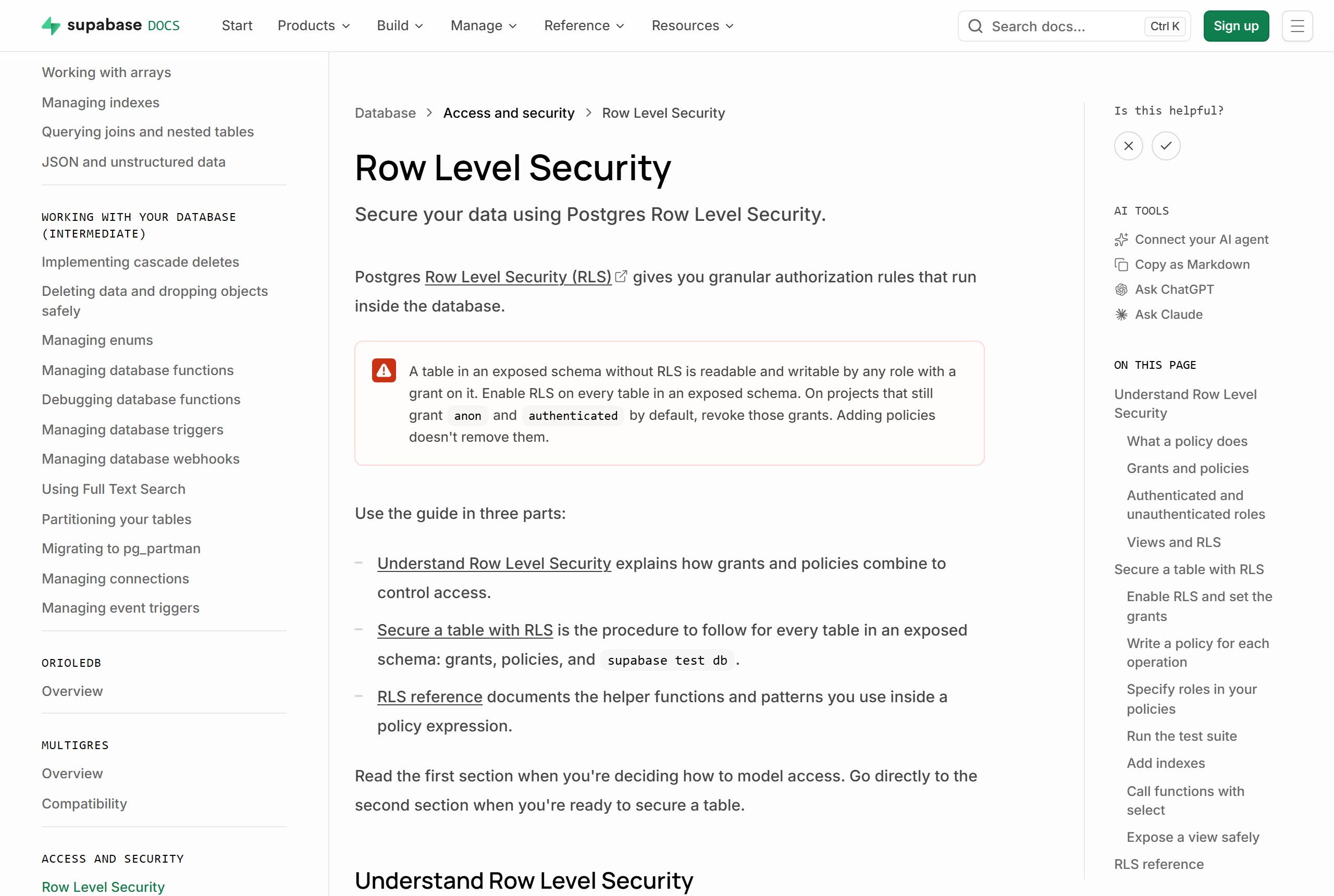
This is the step people skip, and the one that matters most. Supabase's docs warn that a table in an exposed schema without row level security (RLS) is readable and writable by any role with a grant on it.
Enable it on every table:
alter table public.leads enable row level security;Once RLS is on, nothing is reachable through the API with the publishable key until you add policies. A policy works like a WHERE clause on every query. The docs' example lets signed-in users read only their own rows:
create policy "Individuals can view their own todos."
on todos for select
to authenticated
using ( (select auth.uid()) = user_id );
Ask Claude to write a policy for each table and each operation (select, insert, update, delete), then read them carefully. "Who can see this row, and why?" should have a clear answer for every table. The client portal tutorial shows policies for a multi-client setup.
Step 4: Keep the secret key on the server
Supabase projects have a publishable key, which is safe in the browser because RLS controls what it can do, and a secret (service role) key, which bypasses RLS. The docs are blunt: never use a secret key in the browser or expose it to customers.
Rules to give Claude, ideally in your CLAUDE.md:
- The secret key is only used in server code, read from an environment variable.
- The browser only ever gets the publishable key.
- Never print either key in logs or commit them.
Step 5: Build and deploy
With the schema, policies and keys in place, ask Claude Code to build the app on top. When it's ready to go live, Vercel can provision and connect a Supabase database from its Marketplace with vercel install supabase, which also syncs the credentials into your local .env.local. See deploying a Claude Code app to Vercel.
Checklist before handing it to a client
- Every table in exposed schemas has RLS enabled and a policy per operation
- The secret key is used only on the server
- All schema changes are migration files in the repository
- The MCP server is scoped to the project, and read-only unless a task needs writes
- Backups and who owns the Supabase account are written into the handover document
Learn to build with Claude Code
The Stride AI Coding course covers building with Claude Code and Codex and shipping with GitHub, Vercel and Supabase, written for non-programmers, with weekly live calls. Many of the free guides cover these setups.
FAQ
Can Claude Code work with Supabase?
Yes. Supabase publishes an MCP server that Claude Code can connect to, which lets Claude inspect your schema, run queries and read logs. Scope it to one project with project_ref and start with read_only=true.
Is it safe to connect Claude Code to my Supabase database?
It can be, with the right settings: scope the server to one project, use read-only mode, avoid production data unless a task needs it, and review every migration before it runs. Supabase says not to give the MCP server to customers, since it runs with your developer permissions.
Do I need row level security?
For any table in an exposed schema, yes. Supabase warns that without RLS such a table is readable and writable by any role with a grant on it. Enable RLS on every table and write a policy for each operation.
Which Supabase key goes in the browser?
Only the publishable key, which is limited by your RLS policies. The secret (service role) key bypasses RLS and must stay in server code, read from an environment variable.