How to Use Claude Code with GitHub (4 Ways)
How to use Claude Code with GitHub: pull requests from your machine, @claude in issues via GitHub Actions, automatic code review and the GitHub MCP server.
Josh Pocock5 min read


AI Coding
Claude Code + GitHub
Stride AI Academy
Claude Code works with GitHub in four ways: it commits, branches and opens pull requests from your machine; it responds to @claude in issues and pull requests through GitHub Actions; it can review pull requests automatically; and it reads repos and issues through GitHub's MCP server.
This guide covers each one, how to set up @claude in a repository, what it costs and the security settings that matter for client repositories. Checked against Claude Code's GitHub Actions docs, October 2026.
On your machine
You and Claude Code, in your repo
- Commits, branches and pull requests
- You approve each action as it happens
- Best for building
On GitHub
@claude in issues and pull requests
- Runs in GitHub Actions
- Anyone with write access can ask it for work
- Best for fixes, reviews and recurring jobs
1. From your machine: commits and pull requests
Claude Code works with Git directly. In a repository, you can ask:
Create a branch called fix-booking-dates, fix the timezone bug in the
booking form, run the tests, commit with a clear message and open a
pull request.
It stages changes, writes commit messages, creates branches and opens pull requests. Opening pull requests needs the GitHub CLI (gh) installed and signed in with gh auth login. Claude asks before running commands, so you see each step.
A good habit for client work: ask Claude Code to work on a branch and open a pull request for every change, even when you're the only developer. The pull request is your review point, and with hosting connected (see deploying to Vercel) each one gets a preview link.
2. On GitHub: @claude with GitHub Actions
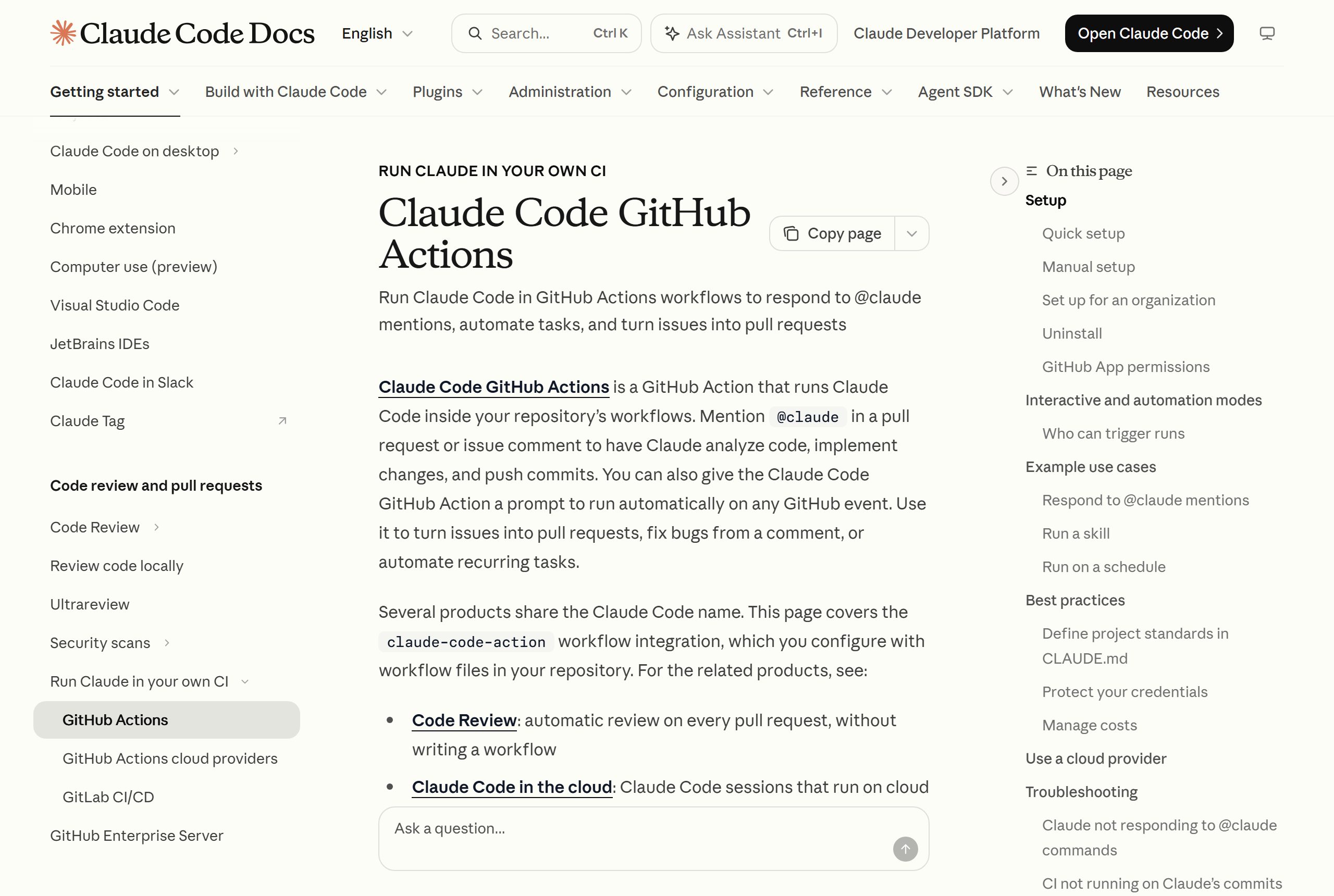
The Claude Code GitHub Action runs Claude Code inside a repository's workflows. Once it's set up, anyone with write access can comment @claude on an issue or pull request, and Claude analyses the code, makes changes and pushes commits, replying in the same thread.
An issue becomes a pull request
- 1Open an issueDescribe the bug or feature
- 2Comment @claude"@claude fix this"
- 3Claude works in ActionsReads the repo, changes code, pushes
- 4A pull request appears
- 5You review and merge
Quick setup
Open Claude Code in the repository and run:
/install-github-appIt installs the Claude GitHub App, saves an authentication secret in the repository, pushes the workflow files to a branch and opens a pull request for you to merge. You need admin access to the repository, a github.com remote and the GitHub CLI signed in.
Manual setup
If you'd rather set it up yourself:
- Install the Claude GitHub App on the repository.
- Add a repository secret:
ANTHROPIC_API_KEY(an API key from the Claude Console) orCLAUDE_CODE_OAUTH_TOKEN(a token from your Claude subscription, generated withclaude setup-token). - Add a workflow file in
.github/workflows/. The docs give this one for responding to mentions:
name: Claude Code
on:
  issue_comment:
    types: [created]
  pull_request_review_comment:
    types: [created]
jobs:
  claude:
    if: contains(github.event.comment.body, '@claude')
    runs-on: ubuntu-latest
    permissions:
      contents: write
      pull-requests: write
      issues: write
      id-token: write
      actions: read
    steps:
      - uses: actions/checkout@v6
        with:
          fetch-depth: 1
      - uses: anthropics/claude-code-action@v1
        with:
          anthropic_api_key: ${{ secrets.ANTHROPIC_API_KEY }}
Then test it with a comment such as @claude explain what this repository does.
Run it on a schedule
With a prompt input, the action runs without a mention, including on a schedule. The docs show a daily summary of commits and open issues. For an agency, a weekly "summarise what changed in this client's repo" job is a quick win for client reporting.
3. Automatic code review
Two options. The quick setup can add a review workflow that posts Claude's review on each pull request as inline comments. Separately, Anthropic offers Code Review, which reviews every pull request without a workflow file to maintain.
Reviews work best when the repository's CLAUDE.md says what to check: conventions, risky areas, things that must never change. See CLAUDE.md file examples. For every review option, including /code-review before you push, see Claude Code review.
4. The GitHub MCP server
GitHub's own MCP server lets Claude Code read and manage repositories, issues and pull requests from any session, which is useful when you work across several client repositories. Setup is in the MCP servers we'd set up first.
You don't need all four. Most coding work only needs the first. Add the GitHub integration when a team wants @claude in issues and pull requests.
What it costs
From the docs, each GitHub Actions run uses two things:
- GitHub Actions minutes on GitHub-hosted runners
- Model usage: API tokens with an API key, or your Claude subscription with an OAuth token
To keep both down: write specific @claude requests, keep CLAUDE.md short (it's read on every run), cap turns with --max-turns in claude_args, and set workflow timeouts.
Security for client repositories
- Only people with write access can trigger runs by default, and bot accounts are rejected unless you allow them, which prevents loops.
- Never commit keys. Store them as GitHub secrets and reference them in the workflow.
- The GitHub App asks for a broad permission set because several Claude features share it. If a client's security team wants less, the action's setup guide explains a custom app with only contents, issues and pull requests.
- Review before merging. Treat Claude's pull requests like a contractor's: read the diff and check the preview.
- Agency accounts: for a secret shared across many repositories, the docs recommend an API key over a personal OAuth token, which is tied to one person's subscription.
An agency workflow that ties it together
- Each client gets a private repository with a
CLAUDE.md. - Client requests become GitHub issues.
- Small fixes go to
@claudeon the issue. Larger work happens in Claude Code on your machine. - Every change arrives as a pull request with a preview link you check, and sometimes send to the client.
- Merging to
maindeploys to production.
Learn to build with Claude Code
The Stride AI Coding course teaches Claude Code and Codex for building client tools, including the GitHub and Vercel workflow, written for non-programmers, with weekly live calls. Many of the free guides cover Claude Code setups.
FAQ
Can I use Claude Code directly on GitHub?
Yes. With the Claude Code GitHub Action installed, you comment @claude on an issue or pull request and Claude works on the request inside GitHub Actions, replying in the thread and pushing commits. Set it up with /install-github-app from Claude Code.
Should I connect Claude Code to GitHub?
For client work, yes. Version control gives you history and a clean handover, and pull requests give you a review point for every change. Start with Claude Code committing and opening pull requests from your machine, then add @claude for small fixes.
Does Claude Code GitHub Actions cost extra?
Each run uses GitHub Actions minutes plus model usage. Model usage is billed as API tokens with an API key, or comes from your Claude subscription if you authenticate with an OAuth token. Capping turns and writing specific requests keeps costs down.
Can Claude Code access GitHub issues?
Yes. In GitHub Actions it reads the issue or pull request it was mentioned in, and with GitHub's MCP server connected it can list, read and manage issues and pull requests from a normal Claude Code session.